
One MCP Policy for the Desktop and the LiteLLM Gateway
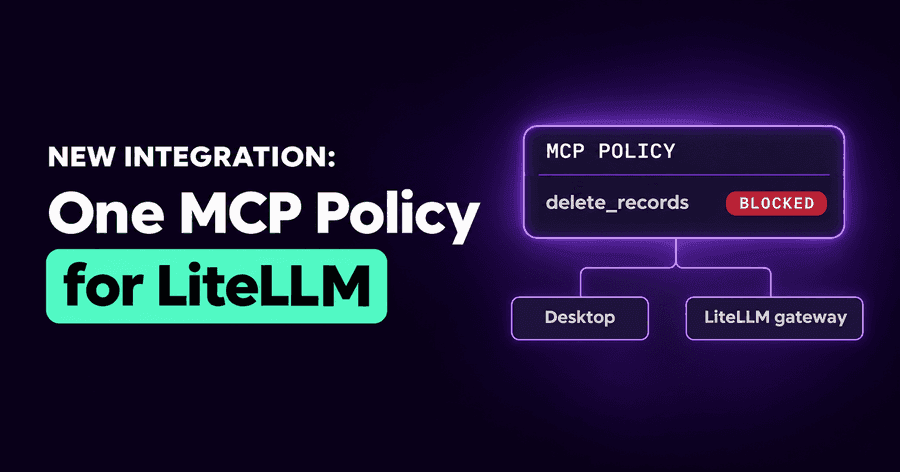
MCP policy enforcement now reaches the LiteLLM gateway. The MCP tool rules you wrote for your desktop agents apply to the model traffic your teams route through LiteLLM as well: a tool your policy forbids is never offered to the model, and an answer that tries to call one anyway is blocked. One MCP policy, enforced on the laptop and on the gateway.
Why MCP policy belongs on the gateway too
When we shipped LiteLLM guardrails in September, the gateway got the same guardrails policy as the endpoints: secrets masked, unsafe requests and answers blocked. One thing stayed on the desktop only. Your MCP policy, the list of servers and tools your agents may use, held on employees' machines and not on traffic that went through the gateway.
That gap matters more than it sounds. The callers that use a gateway are often the ones with the most reach: an agent running in CI, an internal assistant with a dozen MCP servers attached, a batch job that can open tickets and post to chat. Each of them hands the model a list of tools it may call. If your policy says nobody's agent may delete a repository or write to the production database, that rule should hold for the agent in CI as firmly as for the one on a developer's laptop.
Until now, the gateway checked what was in the prompt and the answer, not which tools the model was allowed to reach.
How MCP tool rules apply to gateway traffic
With MCP policies on the gateway, every call is checked against the same MCP servers policy your desktop agents enforce:
- Tools offered to the model. A tool your rules block is taken out of the request before the model sees it, so the model can't choose it. The rest of the request goes through unchanged, with the tools it may use. If every tool in a request is blocked, the request is blocked.
- Tool calls in the answer. An answer that calls a blocked tool is blocked as a whole. A streamed answer has already reached the caller when its check ends, so there the call is recorded, not stopped; keeping the tool out of the request is what stops the model from calling it in the first place.
- Activity. Each removed tool and each blocked answer is listed next to your desktop agents' decisions.
The gateway's MCP policies have their own Off, Observe and Enforce setting, beside the guardrails mode. It starts in Enforce, so switch it to Observe first if you want to watch before anything is removed. In Observe, nothing changes: Activity lists each tool a rule would remove or block. Your MCP policy's own mode still applies too, so a rule set to Monitor only records, wherever it runs.
Rules by name: one rule, both places
A desktop agent knows a great deal about an MCP server: the package it runs, the command, the URL. A gateway sees much less. It sees the name the client gave the server and the name of the tool. So a rule that says "block the server that runs this package" is something the desktop can check and the gateway can't.
We didn't want to pretend otherwise. So the MCP policy editor now lets you write a server rule by name, beside the
existing server types. A rule by name matches the name the client gives the server, and it applies in both places:
the same row blocks delete_* tools on your github server for the developer in Cursor and for the agent calling a
model through LiteLLM.
You don't have to guess the names. The field suggests the names your organization's endpoints actually give their servers, most used first, with the package each one usually runs and how many endpoints use it, so two names for the same server both show up.
On the gateway, rules apply to MCP tools from clients that name them the standard way, as Claude Code and Codex do; tools from other clients, and clients' built-in tools, aren't checked there.
A name is weaker than a package: rename the server and the rule no longer matches. That is the honest trade for a rule that has to work where only the name is visible, and the editor says so under the field.
What the gateway can't check, it says
Some rules depend on knowing how a server runs, and Block by risk level depends on our scan of the server itself. Neither can be judged from a name. On gateway traffic those rules are not applied, and Activity marks them as not covered rather than leaving you to assume they held. Your desktop agents keep enforcing them as before.
This matters for planning. If a rule is important enough that it must hold for gateway traffic, write it by name. If it is a rule about what is installed, keep it where the installation is: on the endpoint.
An example
A platform team runs an internal release assistant on Claude Code, through LiteLLM. It has MCP servers for the code host, the ticket
system and chat. The security team's MCP policy already allows the code host's read tools and blocks its delete_*
tools on developers' laptops.
They add the code host's server to the policy by name, with the same exception, and turn the gateway's MCP policies to Observe. Activity shows that the assistant is offered a delete tool on every call, and has never used it. They switch to Enforce. From the next call, the model is offered the tools it uses and not the one it shouldn't, and nothing about the assistant changed for the team that built it.
Where this fits
The MCP gateway decides which servers your people can connect to and with whose credentials. The endpoint agent enforces your MCP policy where agents run. Now the LLM gateway enforces the same policy on the traffic that never touches a laptop. One MCP policy to write, enforced on the laptop and on the gateway, and an honest "not covered" where a rule can't be checked.
Try it on your gateway
If your teams already route model traffic through LiteLLM, connect your proxy, set its MCP policies to Observe, and see which tools your gateway callers are offered before anything is removed. Start a LiteLLM free trial.
Related posts
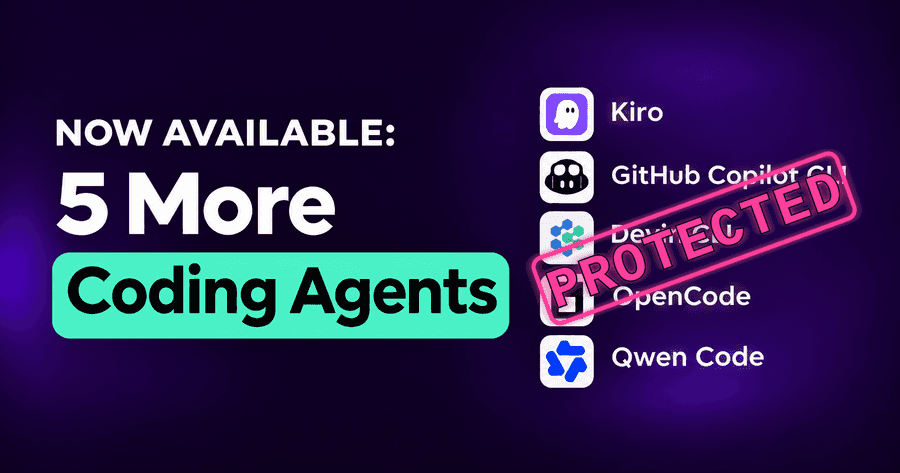
Security for Kiro, Copilot CLI, Devin, OpenCode and Qwen
Kiro, GitHub Copilot CLI, Devin CLI, OpenCode and Qwen Code now get the same guardrails, MCP policies and inventory as the rest of your AI coding agents.
Read More
LiteLLM Guardrails: Security for Your LLM Gateway
LiteLLM guardrails from Autonomous Security: mask secrets in requests, block unsafe requests, check every answer, and see each decision in Activity.
Read More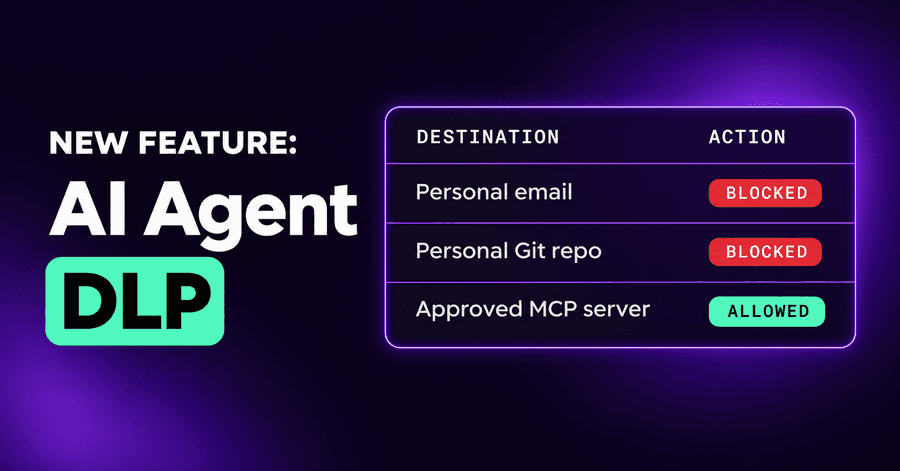
AI Agent DLP: Email, Git, MCP and Blocked Destinations
AI agent DLP now covers email, code pushed to personal repositories, MCP servers and connectors, and a list of destinations agents may never send to.
Read More