
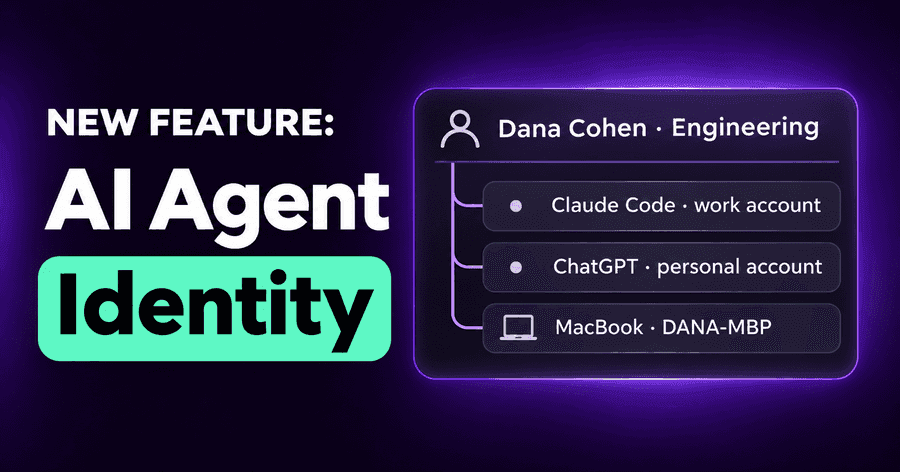
AI Agent Identity: Govern People, Not Devices
Ask a security team who used AI agents last week and most can answer with a list of laptops. That is the wrong unit. AI agent identity is about people: the same engineer uses a corporate Claude account in the terminal, a ChatGPT account in the browser, an LLM gateway key in a script and a cloud sandbox at night. Policies, reviews and investigations are about that person, not about the machine they happened to be on. Today Autonomous Security starts answering in people.
One person, many AI accounts
Every AI tool brings its own account. A developer can easily have five: a work account in one assistant, a personal account in another, a seat on a license roster, a gateway key, and the account they sign in to an IDE with. Before today, each showed up as its own row. A reviewer had to know that "jdoe-personal" and the gateway key named after a laptop were the same human.
Now each account is linked to one identity, a person, named by your directory. The Users page lists one row per person, with every account they use folded in, then the accounts not linked to anyone yet and the operating system users your endpoints report. Nobody disappears because we couldn't place them.
The identity drawer: confirm, link, merge
Opening a person shows everything they do with AI across accounts and machines. It is also where you settle what the platform isn't sure about. A suggested link can be confirmed or rejected; an account can be linked to a person or unlinked; two identities that are the same human can be merged; and a person can be renamed. Every one of those decisions is yours, and every one is in the audit log.
When a session comes from a machine but the account behind it isn't known yet, the console shows the machine's owner, labelled as such ("Carol Diaz (device owner)"), so you see whose laptop it was without mistaking it for a confirmed identity.
Search, filter and investigate by person
One User filter now works the same way on Users, Apps, Inventory, Endpoints, Packages and Activity. It picks a person, an unlinked account or an operating system user. So "which AI apps does this person use", "which MCP servers are on their machines" and "what did they do on Tuesday" are the same filter on three pages. On Activity you can also filter by the account and by the identity source it came from.
For an investigation, that is the difference between reconstructing a story from device names and reading it.
Decide which sources you trust
Your organization has more than one opinion about who someone is. The directory says one thing, a license roster another, the device manager knows who owns a laptop, the endpoint agent knows who was signed in. Settings → Identity lists those sources in order, and the highest directory is the primary directory: it names people and wins when sources disagree.
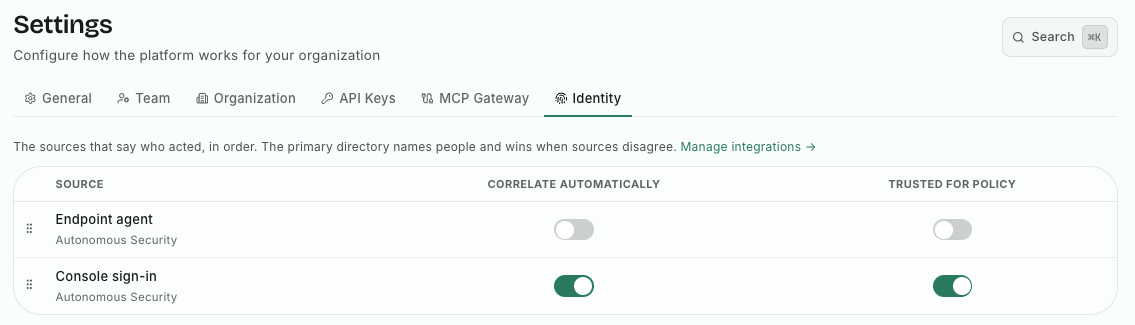
Each source has two switches:
- Correlate automatically: whether its accounts are linked to people on their own, or only suggested for you to confirm.
- Trusted for policy: whether policy rules may rely on those links. Seeing a link and enforcing on it are different levels of trust, and you choose them separately.
Changes take effect when you press Save, turning a switch on asks you to confirm first, and every change is recorded in the audit log. The point is control: identity decides what people see and what policy does, so your team decides how much each source is believed.
Also new: MCP Gateway access by identity-provider group
A separate addition, from October 12, follows the same idea for the MCP Gateway. When we launched org-wide MCP servers with per-user sign-in, every member signed in to a tool as themselves. Since October 12, what that sign-in may ask for depends on their team.
For each remote app on the gateway, an admin sets a baseline, the most the app may ever request, then carves it into named presets, such as "read-only" or "issue triage". Then each group your identity provider sends when members sign in is mapped to a preset. Engineering gets read-only access to the CRM, support gets triage in the issue tracker, and nobody consents to write access their job doesn't need. A member in several mapped groups gets what their presets allow together, never more than the baseline; a member in none gets the default preset, or the baseline if you pin none.
It is least privilege for agents, decided by the groups you already maintain rather than by each person's choices at a consent screen.
Why people, not devices
We built Autonomous Security on the endpoint because that is where AI agents act. But governance is about people. When you block personal AI accounts, allow a model for one team, or review what an agent did, the question is always whose it was. Identity makes that answer the same on every page, and lets policy rely on it only as far as you trust it.
Our platform page shows where identity fits, and the MCP Gateway page has the rest of the gateway.
Try it
Want to see your AI usage by person instead of by machine? Start a free trial: we'll walk you through the platform and set it up with you.
Related posts
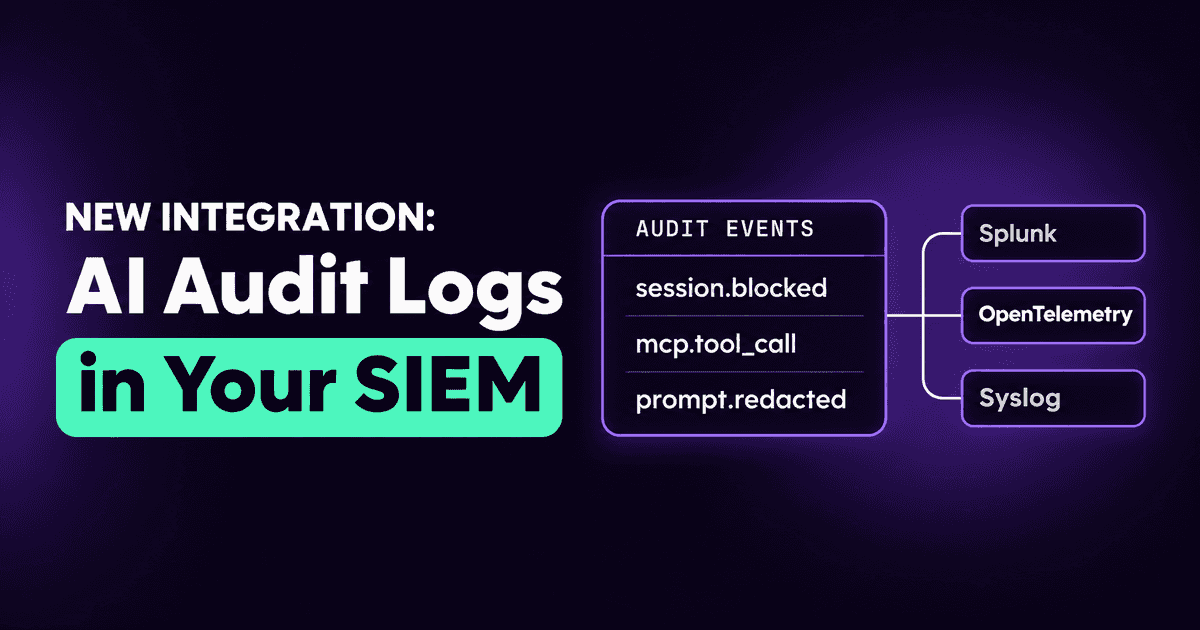
AI Audit Logs in Your SIEM: Splunk, OpenTelemetry, Syslog
Stream the AI agent audit trail to Splunk, any OpenTelemetry collector, syslog or Coralogix, with the same event filters as Slack and webhooks.
Read More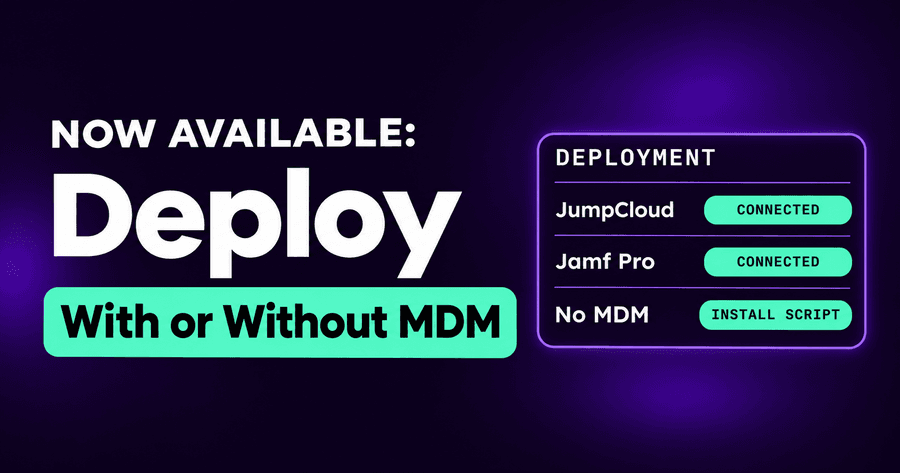
Deploy AI Agent Security with JumpCloud, Jamf Pro or No MDM
Install the AI agent security agent without an MDM, connect JumpCloud with a service account, and deploy with guides that now cover the integrations.
Read More
Agentless Security for ChatGPT Enterprise, Claude, Copilot
Connect Claude Enterprise, ChatGPT Enterprise (with Codex) and Microsoft 365 Copilot and see every chat and agent session in one place, with nothing to install.
Read More